The hardest part of planning a layout on paper is that graph paper does not know what a #6 turnout actually looks like at your scale. Model train layout software does, letting you drop pieces from a real manufacturer’s library and see right away whether your loop closes, whether a turnout fits before the wall, and how much track to buy. The nine tools below cover every budget from free to $125, and every platform from a browser tab to a dedicated Mac app.
Picking the right model train layout software up front saves you from redrawing a plan twice. Match the tool to your track brand and your operating system first; price and polish are the second decision, not the first. Every entry below is model train layout software you can actually download and try today, not a discontinued tool still floating around in old forum threads.
SCARM: the free model train layout software most modelers land on
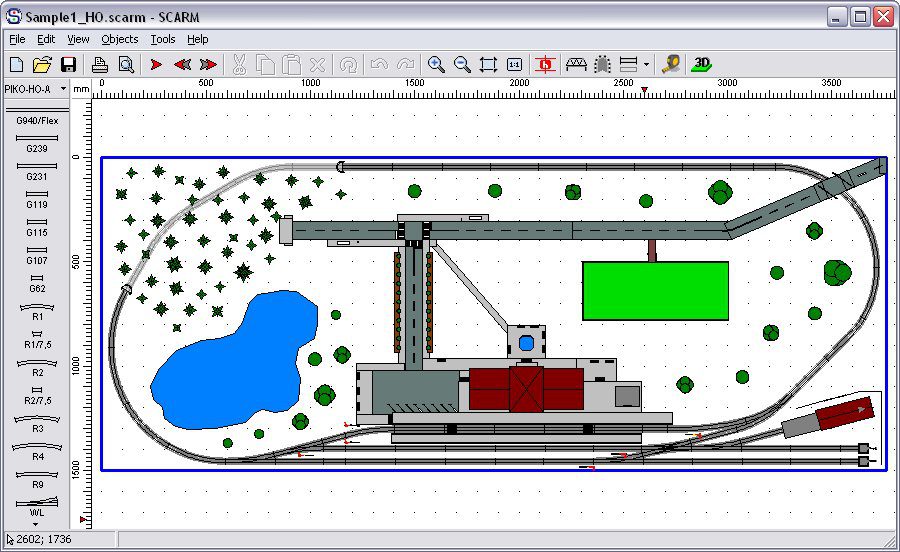
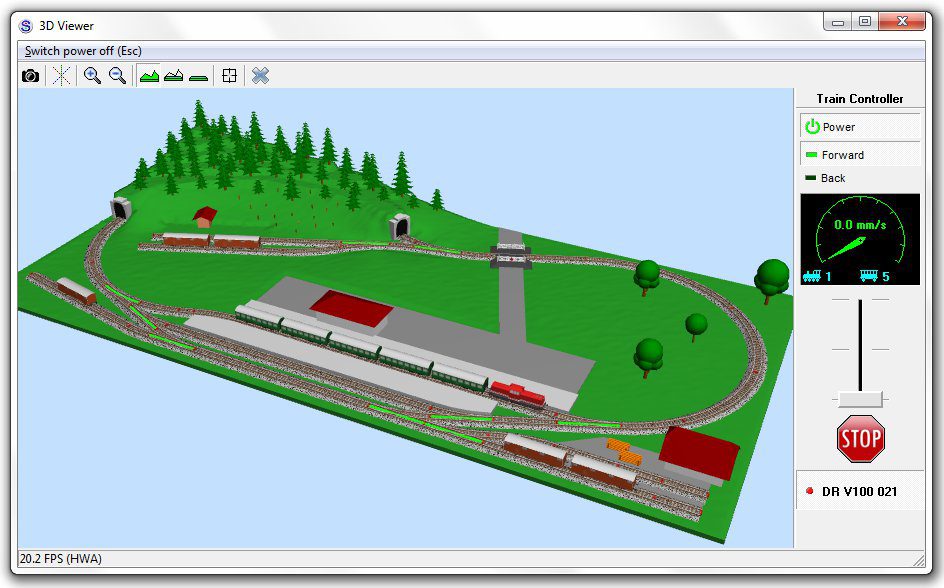
SCARM (Simple Computer Aided Railway Modeller) is Windows-only freeware with a catch. The free version caps you at 100 track pieces and objects and 5 layers, enough for a 4×8 layout but not a benchwork-filling shelf layout. A one-time $59.90 license key removes that cap and unlocks the full library of more than 255 manufacturer track sets. It also has a built-in instant 3D preview, so you can see the layout you just drew from track level without leaving the program.
Buy the license once you outgrow 100 pieces, not before. Most first layouts (a 4×8 oval with a yard) fit inside the free limit, and the license is a sunk cost you don’t need until your plan grows past it. This is the tool to start with if you’re not sure yet how big your finished layout will be. If you also want to watch a train actually run your finished plan rather than just view it in 3D, SCARM sells that separately as the Model Trains Simulator add-on, shown below.
AnyRail: easiest to learn, priced by the track piece
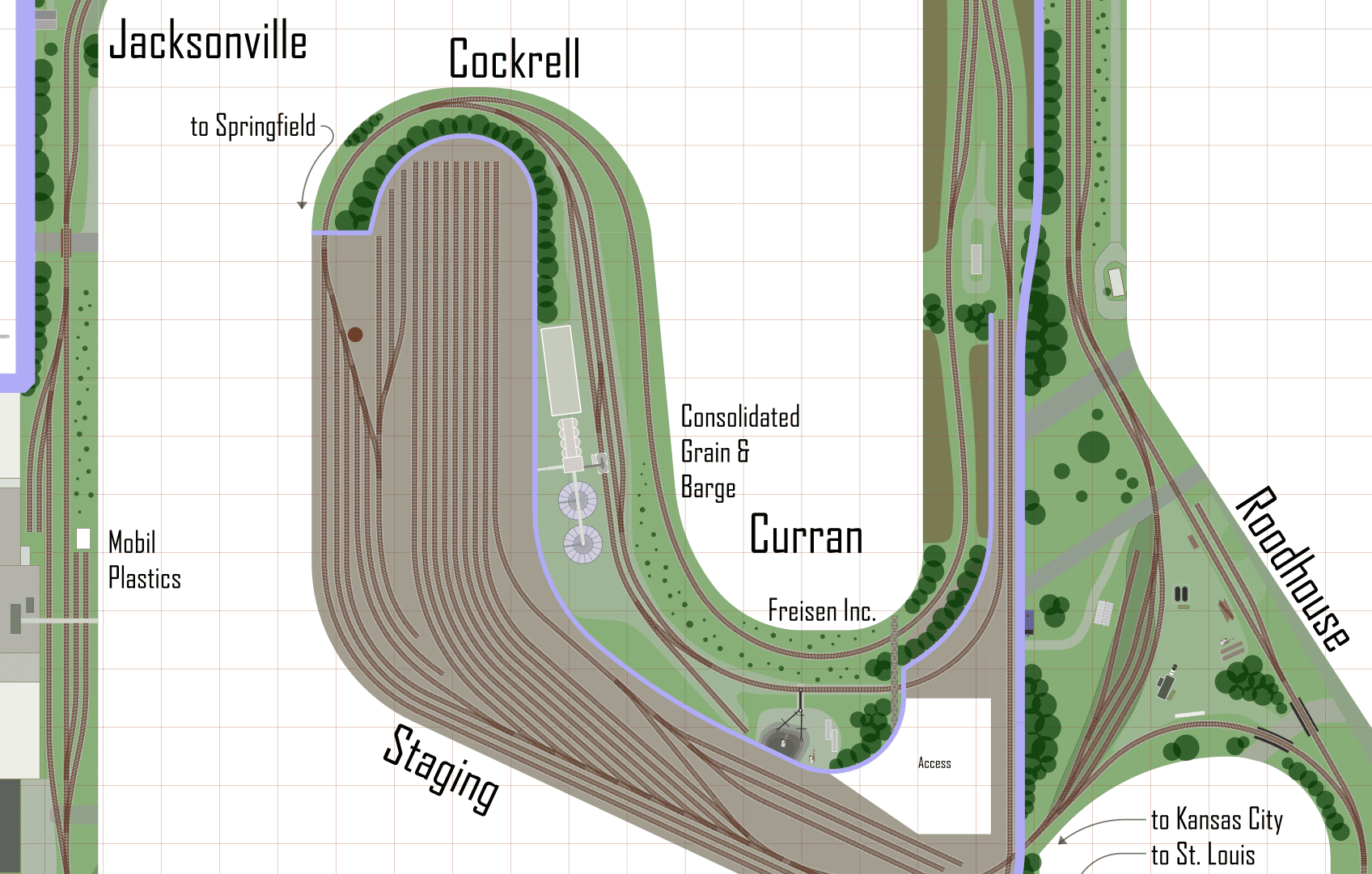
AnyRail (Windows) is the tool hobby forums reach for first when someone asks “what’s easiest to pick up.” The free trial has no time limit, but it caps you at 50 track elements per layout, which is tight even for a basic loop with a siding like these N scale 4×8 track plans. A license is a one-time payment of $65 that removes the piece cap, and it includes free updates to version 7 plus a free upgrade to version 8 when it arrives.
The 50-piece free cap is the tightest of any tool on this list, so treat the trial as a “can I use this at all” test rather than a real planning session. If your layout needs more than about a dozen turnouts, you’ll hit the wall before you’ve finished a realistic yard.
XTrackCAD: free, open source, and cross-platform
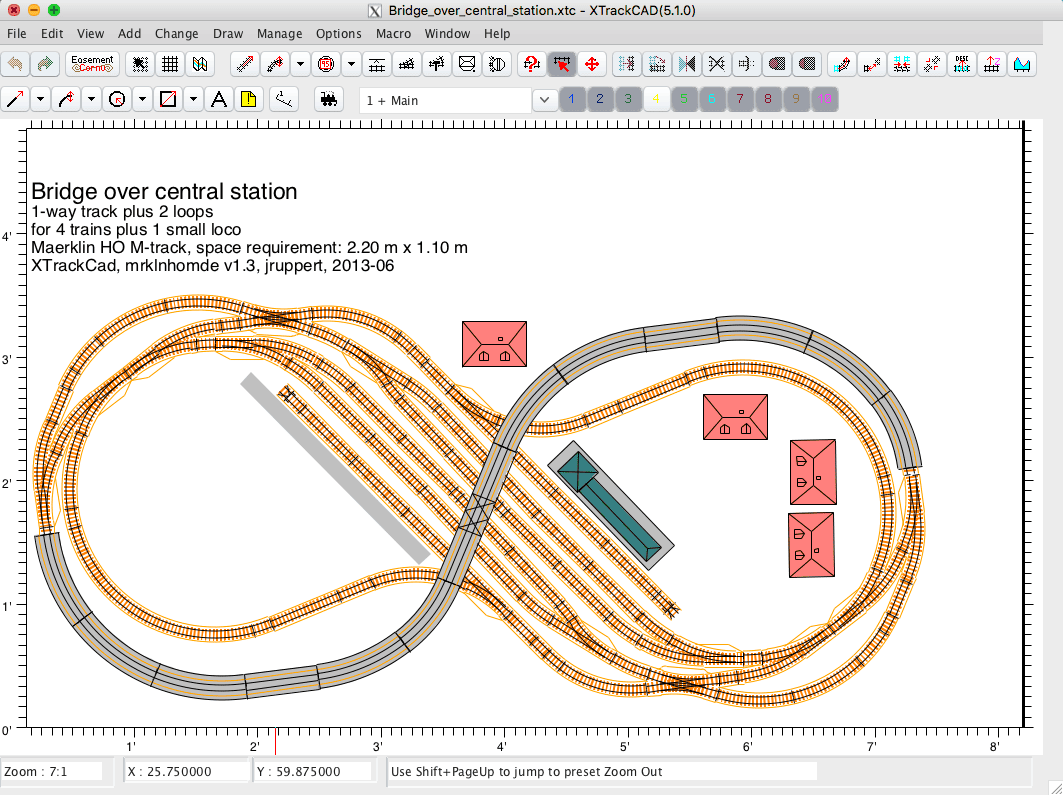
XTrackCAD is free, open source model train layout software, released under the GPLv2. It’s the only tool on this list that runs natively on Windows, macOS, and Linux without an emulator, and there’s no piece limit and no license to buy, ever. The tradeoff is a steep learning curve, and it shows up in nearly every forum thread on the topic. Several posters call it “a huge headache” next to AnyRail’s polish, even while recommending it as the best free option.
If you’re comfortable with CAD-style tools and want zero long-term cost, XTrackCAD is worth the climb. If your last CAD experience was frustrating, try AnyRail’s free 50-piece trial first to confirm the workflow suits you before committing time to XTrackCAD’s interface.
Atlas Track Planning Software: free demo, Atlas track only
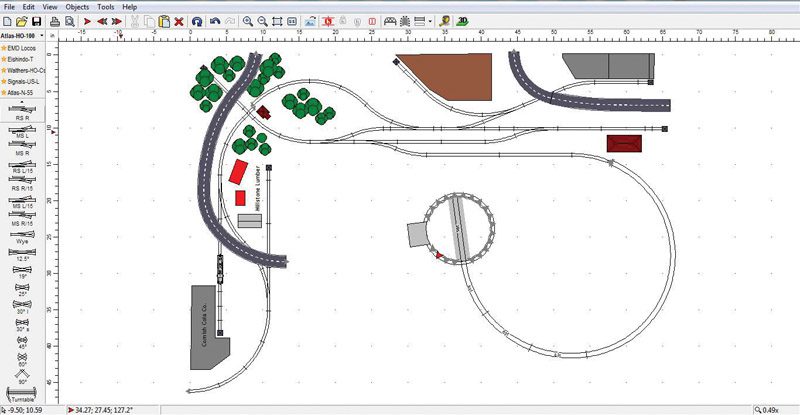
Atlas gives away a full-featured demo of its planner for free, with a $45 license unlocking saving and printing. The catch is in the name; the libraries are Atlas HO, N and O track exclusively, though forum posters note you can copy sectional pieces from other libraries into an Atlas plan as a workaround. It’s Windows only, with no Mac version planned.
This is the right choice of model train layout software if you’re building with Atlas track specifically and don’t need cross-brand flexibility, since the library match means every part number in your plan is one you can actually order from Atlas by name.
3rd PlanIt: the most capable, and the most expensive

3rd PlanIt costs $124.95, the highest price on this list, and runs on Windows or on a Mac via Crossover or a Windows VM. Forum threads consistently rank it as the deepest tool here, with automated grades, spline-based roadbed, and full multi-deck/helix support that the free tools handle poorly or not at all. The free demo caps you at 100 objects and won’t save your drawing, so it’s a look-but-don’t-keep trial rather than a usable free tier.
Reach for 3rd PlanIt once your layout is genuinely complex, with multiple decks, a helix, or automated easement curves on long mainline runs. For a first layout on a small 3×6 footprint, the $124.95 buys capability you won’t use yet.
RailModeller: the Mac and iPad option
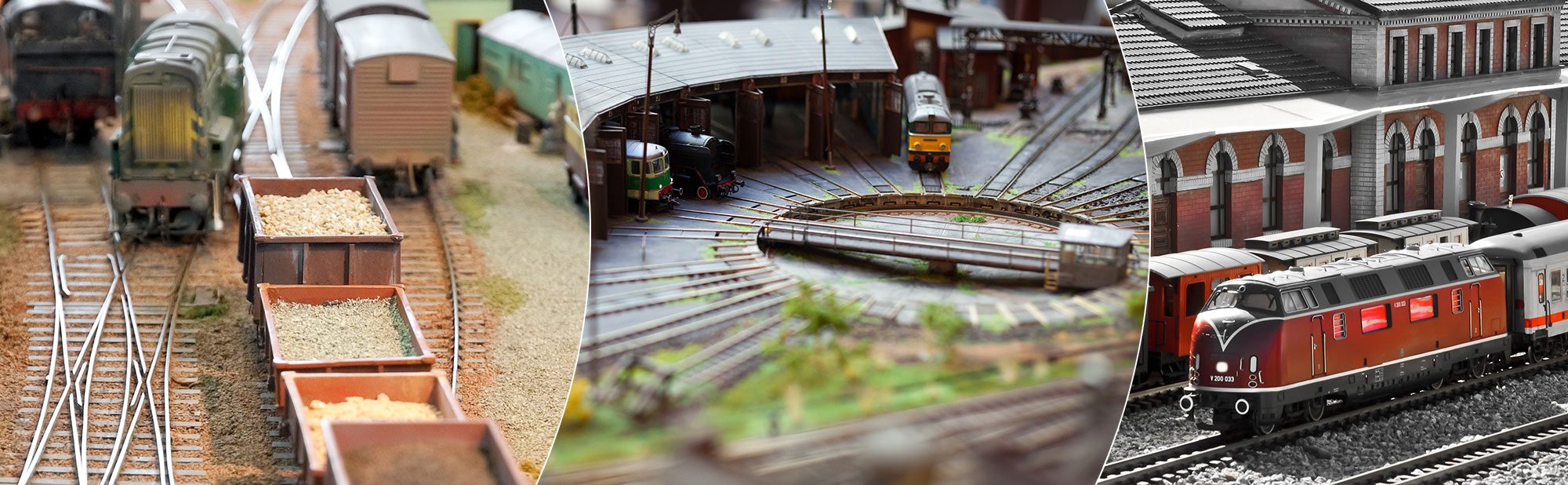
Every other tool on this list is Windows-first, but RailModeller is a native Mac and iPad app, not a Windows port. Its free tier, RailModeller Express, is a genuinely free macOS app with no time limit, capped at 50 track pieces and a single scale per layout. The paid tier, RailModeller Pro, is $44.99 on the Mac App Store and removes both limits, adding DCC block export and JMRI PanelPro compatibility. A companion Train Layouts app lets you browse community plans on iPad.
Mac users who’ve been stuck emulating Windows for AnyRail or SCARM can skip that step entirely here. Everyone else has no reason to pick this over the Windows-native options.
TrackPlanner.app: nothing to install, runs in the browser
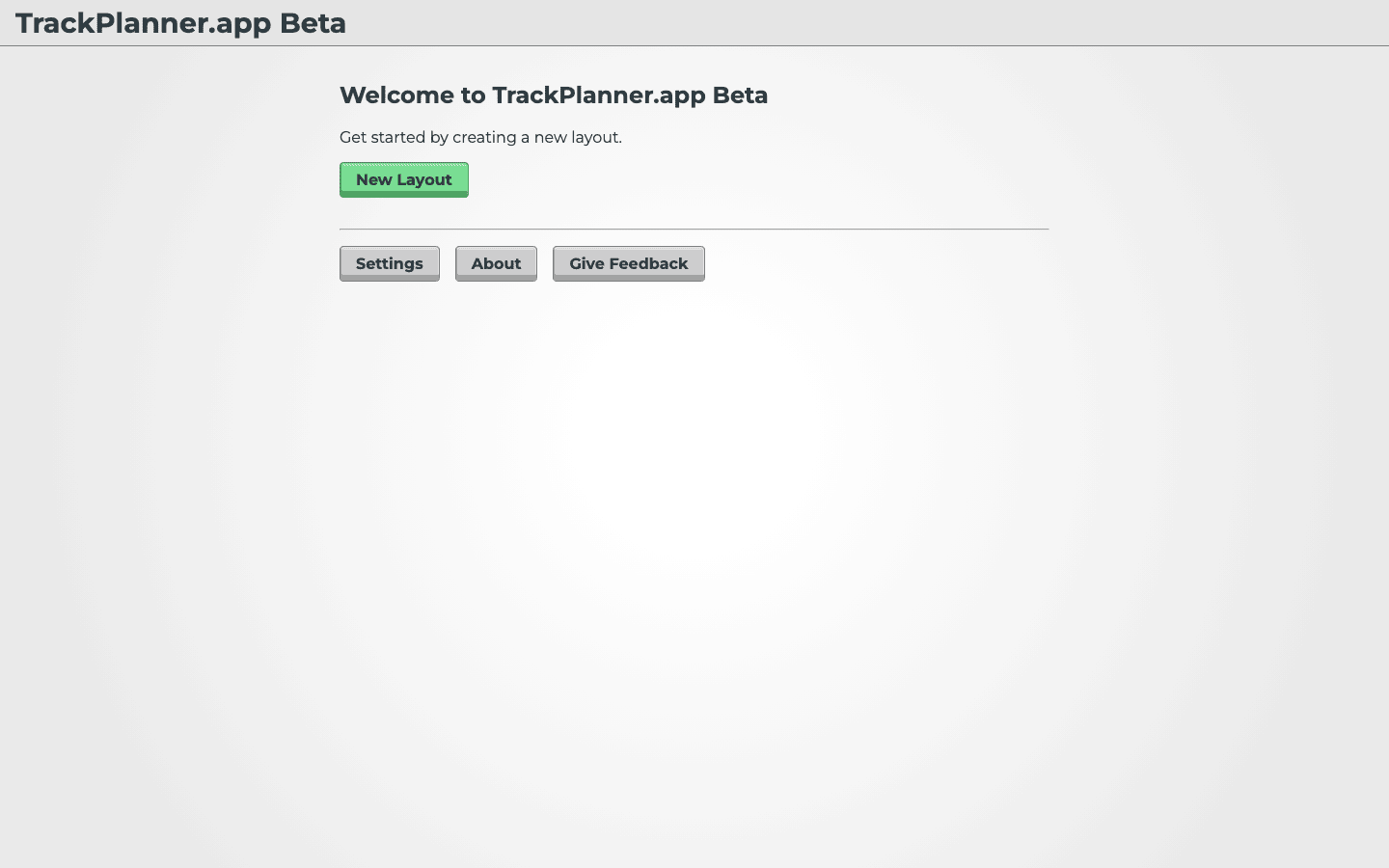
TrackPlanner.app is free model train layout software that runs entirely in a browser tab on a PC, tablet, or phone. It’s newer and smaller in scope than the desktop tools. It already covers Kato Unitrack, Lionel O scale FasTrack, Hornby, Bachmann, and LGB libraries, and new track sets get added every few months per the developer’s own changelog.
Use this for a quick sketch on a tablet at the hobby shop counter, or when you want to check an idea without installing anything. It won’t replace 3rd PlanIt for a serious multi-deck plan, but for laying out “will this loop fit on this table” it’s the fastest tool here.
WinTrack: the deep European alternative, priced in euros
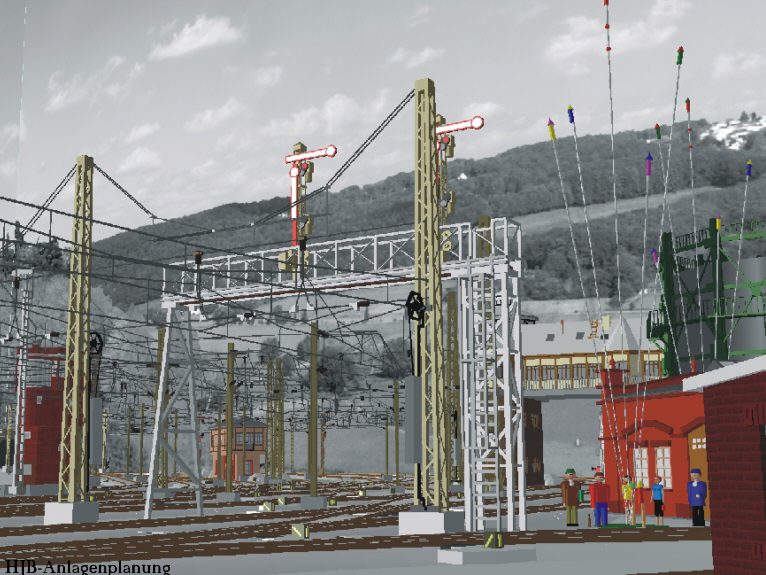
WinTrack is German-made model train layout software priced in euros. A save-and-print-disabled demo is free, and the full license runs €109.50, roughly $118 at recent exchange rates. Its strength is a large catalog of European-prototype track systems (Märklin, Fleischmann, Roco, Tillig, LGB) and accessories like the signal gantries shown above, deeper than what the US-focused tools carry.
If your layout runs European prototype equipment and track, WinTrack’s catalog depth is worth the price and the demo-only trial period. For US-prototype layouts, the tools above cover your track systems more directly and for less money.
TrainPlayer: not a planner, a way to run trains on one
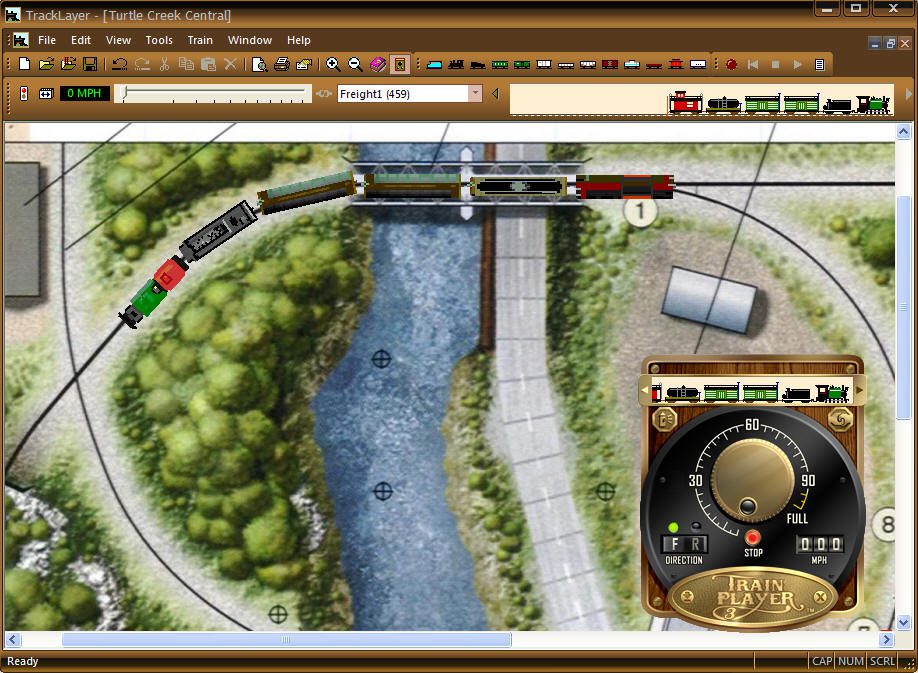
TrainPlayer, $59 for Windows, is a different category from everything above; it doesn’t design track plans, it runs trains on ready-made layouts (yours or one of the many community plans available) with a throttle, sound, and switch control. It’s the tool to reach for once a plan exists and you want to test operations, or just watch trains move before you’ve laid a single piece of benchwork.
Pair it with a design tool rather than instead of one. Draw the plan in SCARM, AnyRail, or XTrackCAD first, then bring it into TrainPlayer if you want an operating simulation before you build.
For a first layout under 100 track pieces, start with SCARM free. If you outgrow the cap or want the friendliest interface at any size, AnyRail is worth the price. If cost matters more than ease of use and you’re willing to climb a learning curve, XTrackCAD is free model train layout software forever with no catch. Mac users should go straight to RailModeller. Save 3rd PlanIt for the multi-deck, helix-heavy layout that outgrows everything else.
Model Train Layout Software: Common Questions
What is the best software for model train layouts?
There’s no single best model train layout software; it depends on budget and platform. SCARM and AnyRail are the two most recommended in hobby forums for ease of use, XTrackCAD is the top free open-source pick, and 3rd PlanIt is the choice once a layout gets too complex for the simpler tools.
What is the best free software for designing model railroad layouts?
XTrackCAD is the only fully free option with no piece limit or expiring trial. SCARM’s free tier (100 pieces, 5 layers) and AnyRail’s free tier (50 pieces) cover smaller layouts without paying, but both cap out before a large permanent layout.
Is AnyRail free?
AnyRail’s trial is free indefinitely, but it limits a layout to 50 track elements. A one-time license removes that cap; check anyrail.com/buy for the current price, since it has changed across major versions.
How do I create a model train layout?
Pick a tool that matches your track brand and platform, then place pieces from its library on a scaled grid until your loops close and your minimum curve radius fits your longest locomotive or car. Most of the tools above export a shopping list of the exact track pieces your finished plan needs, so you buy once rather than guessing. Once your plan is set, our N scale track plans and HO scale shelf layouts show finished examples at common table sizes.